3 ServiceNow chatbot integration patterns for Australian IT ops
Australian IT teams: pick ServiceNow chatbot integration patterns by security, latency, and data residency. Start with bot to bot for sensitive records.

For enterprise workflows, the most reliable ServiceNow chatbot integration pattern keeps ServiceNow as the control plane and delegates advanced natural language understanding or generative responses to external engines through bot‑to‑bot handoff or a secured API passthrough. Choose between these two based on data residency, channel requirements, and latency tolerance. At minimum you need Virtual Agent and Flow Designer active, plus a secure API connection to whichever engine handles the heavy lifting.
TL;DR:
- Virtual Agent handles structured incident logging and knowledge searches but requires extension for open-ended conversations, voice, or multilingual NLU.
- Bot‑to‑bot is preferred for complex integrations due to better context preservation and audit tracking, while webhook routes handle faster, simpler external responses.
- Authentication must be planned carefully, with OAuth 2.0 as default, using encrypted credential storage and network paths aligned with security policies to avoid integration stalls.
- Monitoring should focus on intent accuracy, escalation rates, fallback triggers, and load testing, with fallback rate increases signaling the need for retraining.
- Most failures result from token expiry, lost context, or latency issues, stressing the importance of timestamped logging and a hybrid approach balancing ServiceNow control and external AI capabilities.
Table of Contents
- What does ServiceNow Virtual Agent actually do?
- Which integration pattern should you choose?
- Prerequisites and architecture checklist
- How do you build a bot‑to‑bot integration flow?
- How do channel choices affect the integration?
- What security and compliance controls matter most?
- How do you monitor and improve the integration after launch?
- What causes most integration failures?
- What’s the right way to think about ServiceNow AI integration?
- How Conversational AI fits alongside your ServiceNow build
- Sources
- FAQ
What does ServiceNow Virtual Agent actually do?
ServiceNow Virtual Agent is a built‑in, AI‑powered conversational interface that runs topics, creates incidents, queries the CMDB, searches knowledge articles, and escalates to a live agent when a conversation stalls. It uses no‑code topic design through the Visual Topic Designer, which means service desk teams can build and adjust conversation flows without writing script every time a process changes.
The practical question for most IT teams isn’t whether Virtual Agent works. It’s whether native capability covers the use case, or whether you need to extend it. Common scenarios where Virtual Agent alone is sufficient:
- Logging and triaging incidents from a structured set of questions
- Ordering from the service catalogue (software requests, hardware provisioning, access grants)
- Searching knowledge base articles and surfacing the closest match
- Routing to a live agent with full context when the topic runs out of logic
Where it typically falls short is anything requiring open‑ended conversation, sentiment handling, or voice. If your use case needs generative responses, multilingual NLU beyond ServiceNow’s language packs, or telephony, you’re looking at extending Virtual Agent rather than replacing it. That distinction shapes every integration decision that follows.
Which integration pattern should you choose?
Three architecture patterns cover almost every real‑world ServiceNow AI integration project, and a fourth combines them.
Bot‑to‑bot integration lets a primary Virtual Agent topic delegate a conversation to a secondary bot, exchange structured messages, and hand control back once the external bot resolves its task. ServiceNow’s own bot‑to‑bot API documents the message structures and handoff mechanics, and it preserves session context automatically, which is its biggest advantage over ad hoc API calls.
API/webhook passthrough routes a topic’s input to an external endpoint via scripted REST and returns the response to the user inside the same Virtual Agent session. AWS documents a working version of this with its QnABot integration, where a Lambda function sits between the two systems and does the heavy processing.
NLU connector patterns route raw text to a dedicated language model for intent classification, then feed the result back into Flow Designer logic. This suits teams running their own NLU stack who want ServiceNow to stay purely orchestration.
Hybrid setups mix all three. A single topic might use bot‑to‑bot for voice handling, a webhook for a generative FAQ engine, and native logic for record creation.
- Bot‑to‑bot: best context preservation, moderate latency, good observability
- API/webhook: fastest to build, weaker native audit trail, latency depends entirely on the external service
- NLU connector: strongest language handling, more integration overhead, harder to debug end to end
Pro Tip: Start with bot‑to‑bot for anything touching sensitive records. It keeps session state inside ServiceNow’s own audit log, which saves you building a parallel logging system later.
Prerequisites and architecture checklist
Before any implementation work starts, confirm these in order:
- Instance and plugins — activate the Virtual Agent plugin and Flow Designer, and check your instance release supports the bot‑to‑bot API version you plan to use.
- Admin roles — assign
virtual_agent_adminfor topic design andweb_service_adminfor any REST integration work; separate these from generaladminaccess for audit cleanliness. - Authentication method — OAuth 2.0 is the default for most external connector work; mutual TLS suits high‑trust bot‑to‑bot links; static API keys are acceptable only for low‑risk, internal‑only integrations.
- Network path — decide whether the external engine sits behind a private link, a VPN tunnel, or a public endpoint restricted by IP allowlist. Regulated industries generally rule out the third option outright.
- Credential storage — use ServiceNow’s encrypted credential store rather than hard‑coding tokens inside Flow Designer actions.
Skipping step three is the single most common reason integration projects stall in security review. Get authentication signed off before building a single topic.
How do you build a bot‑to‑bot integration flow?
A minimal bot‑to‑bot setup follows a repeatable sequence:
- Register the external bot and generate its credentials, storing them in ServiceNow’s credential store rather than in plain configuration.
- Create a delegating topic in Flow Designer that routes matched utterances to the external bot via the bot‑to‑bot API rather than a generic scripted REST call, since the native API handles session tokens for you.
- Map context variables so the external bot receives caller identity, ticket number, and prior conversation turns, and returns them intact when control passes back.
- Design fallback logic for when the external bot times out or returns a low‑confidence response, defaulting to live agent escalation rather than a dead end.
- Log every handoff event so you can trace exactly where a conversation moved between systems.
Test the full loop before go‑live using this checklist: verify context survives the handoff in both directions, confirm fallback triggers correctly on a forced timeout, check that escalation to a live agent carries the full transcript, and load‑test with concurrent sessions to catch token expiry under volume.
Pro Tip: Run your fallback test by killing the external bot mid‑conversation, not just before it starts. Most integration failures show up in the middle of a session, not at the handshake.
How do channel choices affect the integration?
Channel selection changes what you build, not just where users chat.
- Microsoft Teams and Slack both connect through the Azure Bot Framework or native app integrations; expect to register an app registration in Azure AD for Teams, and a bot token plus event subscriptions for Slack. Both require separate testing of adaptive cards and rich formatting, since Virtual Agent’s card layouts don’t always render identically across channels.
- Web portals typically embed the Virtual Agent widget directly into the Service Portal, which is the lowest‑effort option if your users already log tickets there.
- Native Now Mobile inclusion gives you push notifications and biometric login, useful for field technicians who need incident updates on the move.
- Voice integration usually means running speech‑to‑text and text‑to‑speech outside ServiceNow entirely, then passing transcribed text through the same bot‑to‑bot or API pattern used for text channels.
Each channel adds its own testing burden. Budget separate QA cycles for Teams and Slack even if the underlying topic logic is identical, because rendering and session handling differ.
What security and compliance controls matter most?
Every enterprise ServiceNow chatbot setup handling customer or employee data needs deliberate controls, not defaults.
- Redact or tokenise personally identifiable information before it leaves ServiceNow for an external engine, and reverse the process only inside a trusted boundary.
- Confirm exactly where any third‑party service hosts and processes data. If your organisation operates under Australian privacy obligations, an Australian‑hosted option removes a category of residency questions entirely.
- Encrypt data in transit and at rest across every hop in the integration, not just the ServiceNow endpoint.
- Keep audit trails of every handoff and retain them according to your organisation’s policy, not the vendor’s default.
- Validate any third‑party provider’s certifications and hosting location before signing, using resources like vendor trust and compliance snapshots as a starting checklist rather than a final answer.
Data residency is a decision point, not an afterthought. Once an integration goes live, moving a data flow to a different jurisdiction usually means rebuilding the compliance sign‑off from scratch.
How do you monitor and improve the integration after launch?
Testing doesn’t stop at go‑live. Build these into an ongoing telemetry plan:
- Track intent accuracy against a labelled test set, refreshed quarterly as language patterns shift.
- Monitor escalation rate to live agents as your primary signal for where conversational flows are failing.
- Load test peak concurrency at least twice a year, not just before initial launch.
- Capture fallback rate, average resolution time, and automated ticket creation rate as your core dashboard metrics.
- Feed telemetry into existing observability or APM tooling rather than building a standalone reporting layer.
- Run A/B tests on topic wording changes before rolling them out organisation‑wide.
A rising fallback rate is usually the first sign a topic needs retraining, well before ticket volume itself moves. Treat it as an early warning, not just a footnote metric.
What causes most integration failures?
Most failures trace back to a handful of repeat offenders.
- Token expiry mid‑session is the most common authentication issue; fix it by shortening refresh intervals and building automatic retry logic rather than manual reconnection.
- Lost context between systems usually means a variable mapping was missed during handoff design; audit every context variable passed in both directions, not just the obvious ones.
- Latency and timeout errors typically point to an external service under load or a network path with unnecessary hops; check whether a private link would remove a public routing detour.
- Community forums document recurring integration questions around exactly these three issues, which suggests they’re structural rather than one‑off bugs.
Pro Tip: Log timestamps at every handoff point, not just at the start and end of a conversation. That’s the only way to tell whether a slow response sits inside ServiceNow, the network, or the external engine.
What’s the right way to think about ServiceNow AI integration?
The conventional advice treats this as a build‑versus‑buy question. It isn’t. The real decision is what stays inside ServiceNow’s system of record and what gets delegated, and that choice should follow data sensitivity and latency, not vendor preference.

A hybrid approach, ServiceNow orchestrating and writing records, an external engine handling advanced language or voice work, holds up better under audit than either extreme. Pure native builds hit a capability ceiling fast; pure third‑party replacements lose the CMDB and catalogue context that make ServiceNow valuable in the first place.
Engage a managed or Australian‑hosted partner when compliance requirements make data residency non‑negotiable, not simply because a vendor pitch sounds compelling.
— Sowrabh
How Conversational AI fits alongside your ServiceNow build
Conversational AI is a platform that plugs into your existing CRM and workflow tools to provide advanced NLU and voice capabilities, designed to keep customer data managed per local data policies.
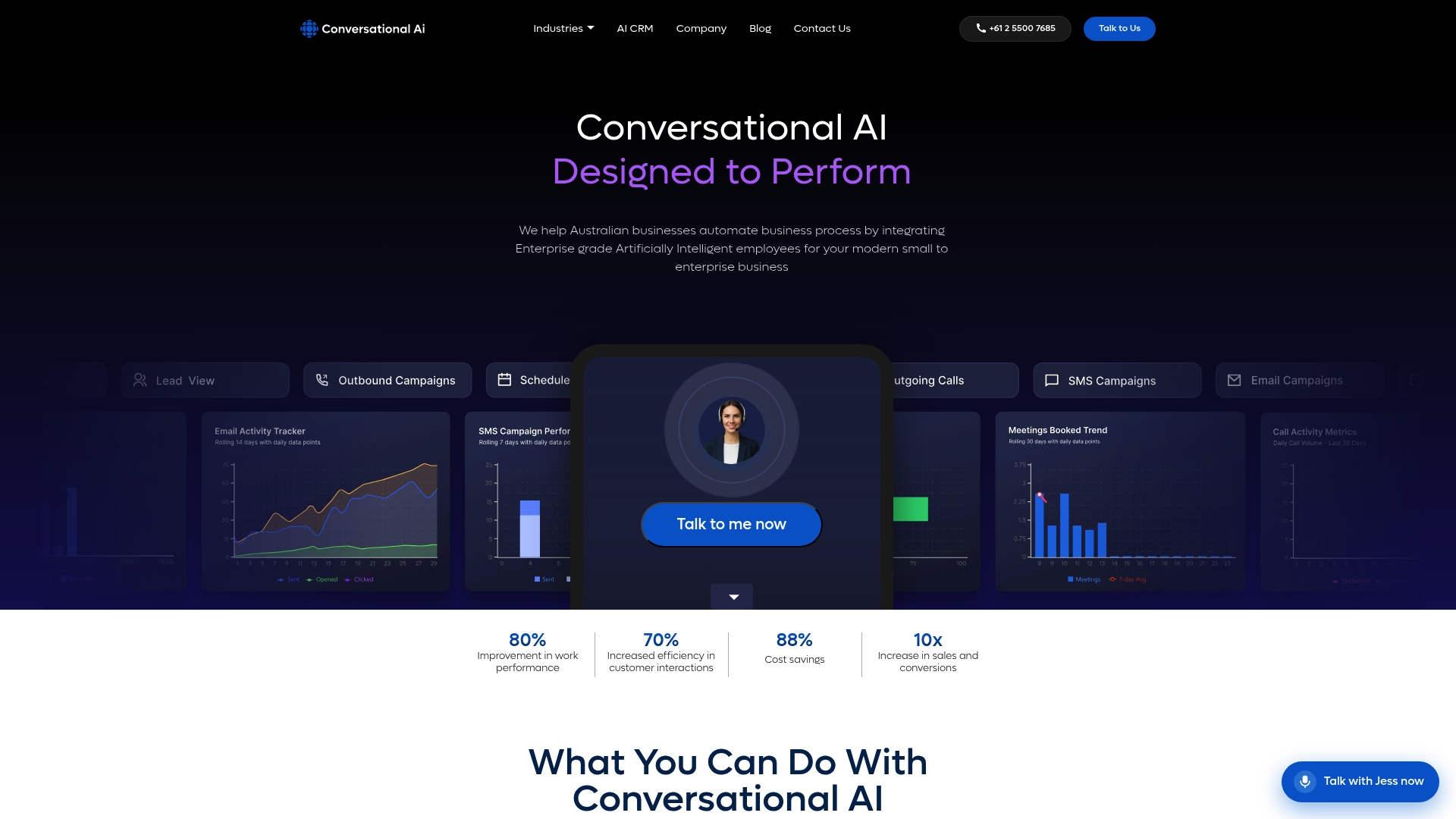
Where this article’s bot‑to‑bot and API passthrough patterns need an external engine for generative responses, voice handling, or multi‑channel reach, that’s precisely the gap a platform like Conversational AI is built to fill, sitting alongside ServiceNow rather than replacing it. It runs voice, SMS, email, and live chat agents from one console, with contextual memory that aims to carry a conversation across channels instead of losing it at a handoff. For regulated sectors like healthcare, banking and finance, and customer service operations, that Australian hosting addresses the residency questions raised earlier without a separate compliance project.
A typical engagement runs as an audit of your current ServiceNow setup, a scoped pilot on one workflow, then a staged roll‑out once the pilot proves out. If you’re weighing where to draw the line between native Virtual Agent and an external engine, request an architecture review through the Conversational AI CRM page and get a second set of eyes on the design before you build it.
Sources
FAQ
Does ServiceNow have AI integration?
Yes. ServiceNow’s Virtual Agent includes built‑in AI for topic matching, incident creation, and knowledge search, and it supports extending that intelligence through bot‑to‑bot integration or API passthrough to external NLU and generative engines. Most enterprise deployments combine native capability with an external service for advanced language handling.
What are the four types of chatbots?
The four broad categories are rule‑based (menu‑driven), retrieval‑based (matching questions to a knowledge base), generative (producing novel responses from a language model), and hybrid bots that combine structured logic with generative fallback. ServiceNow’s Virtual Agent starts as rule‑based and retrieval‑based, and becomes hybrid once you add a generative connector.
Can ServiceNow be replaced with AI?
ServiceNow’s system of record function, its CMDB, catalogue, and ticketing structure, isn’t something a standalone AI tool replicates on its own. What third‑party conversational AI can replace is the front‑end conversation layer, handling voice, SMS, and chat before results ever touch ServiceNow’s data.
How can I integrate APIs with ServiceNow?
Most API integrations use scripted REST within Flow Designer to call an external endpoint and return its response inside the same topic session, a pattern AWS demonstrates using Lambda functions. Authentication typically runs on OAuth 2.0, with credentials stored in ServiceNow’s encrypted credential store rather than hard‑coded into the flow.
What does Conversational AI cost for a ServiceNow‑adjacent deployment?
Pricing isn’t published for Conversational AI’s services, since deployments vary by channel mix and integration scope. Current details are available by requesting a review through the Conversational AI site.