Types of customer service automation triggers: 2026 guide
Discover the types of customer service automation triggers in our 2026 guide. Enhance interactions and boost efficiency with the right strategies.

Customer service automation triggers are specific events or conditions that initiate automated workflows to enhance customer interactions and operational efficiency. The industry recognises five core trigger families covering nearly all automation scenarios: event-based, behaviour-based, date-based, tag-based, and webhook-based. Each family serves a distinct purpose, and choosing the right one determines whether your automation delivers measurable results or creates unnecessary complexity. For business professionals and IT managers, understanding the types of customer service automation triggers is the foundation of any effective automation strategy. These families work across voice, SMS, email, and live chat channels to create consistent, well-timed customer journeys.
1. Types of customer service automation triggers: the five core families
Automation triggers fall into five recognised families, and each one starts a workflow in a fundamentally different way. Event triggers fire on a single user or system action. Behaviour triggers fire after a pattern of actions. Date triggers fire on a calendar schedule. Tag triggers fire when a contact label changes. Webhook triggers fire when an external system sends a signal. Knowing which family fits your use case prevents you from building the wrong workflow from the start.
The distinction matters because each family captures a different type of customer signal. A single purchase fires an event trigger. Repeated visits to a pricing page fire a behaviour trigger. An approaching renewal date fires a date trigger. These are not interchangeable. Selecting the wrong family means your automation fires at the wrong moment, or not at all.

2. Event-based triggers: the foundation of most workflows
Event triggers are the most common starting point for customer service automation. They fire on a single, discrete user or system action, such as a form submission, account signup, product purchase, or support ticket creation. Because they respond to a clear, defined moment, they are reliable and straightforward to configure.
Common event trigger use cases include:
- Purchase confirmation: A completed transaction fires a trigger that sends a receipt, schedules a follow-up, and updates the CRM record.
- Ticket creation: A new support request fires a trigger that assigns the ticket, notifies the agent, and sends the customer an acknowledgement.
- Form submission: A contact form fires a trigger that routes the enquiry to the right team and starts a qualification sequence.
- Account signup: A new registration fires a trigger that begins an onboarding sequence across email and SMS.
Event triggers work well for high-value customer interactions because the signal is unambiguous. There is no guesswork about intent. The customer did something specific, and the workflow responds directly.
Pro Tip: Map your top 20 most frequent customer contact reasons before selecting event triggers. Automating the highest-volume interactions first delivers the fastest reduction in manual workload.
3. Behaviour-based triggers: reading patterns, not just actions
Behaviour triggers monitor patterns of user activity rather than single actions. They fire after a contact meets a defined pattern, such as visiting a pricing page three times, completing a course module, or going inactive for 14 days. This makes them more nuanced than event triggers and better suited to capturing intent signals that a single action would miss.
Practical behaviour trigger examples include:
- Cart abandonment: A contact adds items to a cart and visits the checkout page twice without completing a purchase. The trigger fires a recovery sequence.
- Re-engagement after inactivity: A contact who has not opened an email or logged in for 30 days receives a targeted re-engagement message.
- High-intent browsing: A contact visits a product or service page multiple times within a week, triggering a personalised outreach from the sales team.
- Course or onboarding completion: A contact finishes a defined sequence of steps, triggering a congratulations message and an upsell offer.
Behaviour triggers capture both high-intent and low-intent signals that event triggers miss entirely. A customer who visits your pricing page four times in a week is sending a clear signal, even if they never click a button. Behaviour triggers let you act on that signal with personalised customer engagement before the opportunity passes.
Pro Tip: Analyse contact activity data for at least 90 days before configuring behaviour triggers. Patterns that seem obvious in theory often look different in real data.
4. Date-based triggers: scheduling automation for timely engagement
Date triggers fire on a specific calendar date or at a set interval after a defined event. They are the right choice for predictable, recurring automation where timing is everything. Common examples include subscription renewal reminders, birthday greetings, anniversary messages, and post-purchase follow-up surveys sent a fixed number of days after a transaction.
Date triggers suit these scenarios particularly well:
- Subscription renewals: A trigger fires 14 days before a subscription expires, sending a renewal reminder and a link to update payment details.
- Anniversary milestones: A trigger fires on the anniversary of a customer’s first purchase, sending a loyalty reward or personalised offer.
- Scheduled surveys: A trigger fires seven days after a support case closes, sending a satisfaction survey to capture feedback while the experience is fresh.
- Holiday campaigns: A trigger fires on a set date to deliver seasonal greetings or promotional content to a segmented contact list.
Scheduled triggers also reduce system load by running background automations during off-peak hours. Rather than firing thousands of messages simultaneously during business hours, you can schedule date triggers to process overnight. This keeps your infrastructure stable and your customer communications well-timed.
5. Tag-based triggers: building modular, maintainable workflows
Tag triggers fire when a tag is added to or removed from a contact record. They are the preferred mechanism for building complex, multi-stage customer journeys without creating a single, unmanageable workflow. Tag triggers enable modular automation by chaining smaller, focused workflows together rather than building one sprawling sequence that is difficult to test or fix.
The practical advantages of tag-based triggers include:
- Modular design: Each workflow handles one stage of the journey. A tag added at the end of stage one fires the trigger for stage two.
- Easier troubleshooting: When something breaks, you isolate the problem to one small workflow rather than hunting through hundreds of steps.
- Flexible upsell paths: A tag added after a purchase fires a workflow that begins a product education sequence, then adds another tag to trigger an upsell campaign.
- Post-process signalling: A tag added when a support case resolves fires a follow-up workflow that requests a review and offers a loyalty incentive.
Combining tag triggers with strict filters prevents infinite loops, where a workflow adds a tag that re-fires the same workflow repeatedly. The fix is simple: add a launch condition that checks whether the contact has already entered the workflow before allowing it to fire again. This is standard practice for any tag-based automation.
Pro Tip: Name your tags with a consistent convention, such as “stage: onboarding-complete” or “status: churned.” Clear naming makes it immediately obvious which tag fires which workflow, saving hours of debugging later.
6. Webhook and API triggers: connecting external systems in real time
Webhook triggers fire when an external system sends a signal to your automation platform. They are the mechanism that connects your customer service workflows to payment processors, booking systems, CRM platforms, and any other third-party tool that can send an HTTP request. Webhook and API triggers enable real-time integration across platforms without requiring manual data entry or batch imports.
Common webhook trigger scenarios include:
- Payment processed: A payment gateway sends a webhook when a transaction completes, firing a workflow that sends a receipt, updates the contact record, and schedules a follow-up.
- Meeting scheduled: A calendar tool sends a webhook when a booking is confirmed, firing a workflow that sends a confirmation message and a reminder sequence.
- Support ticket updated: An external helpdesk sends a webhook when a ticket status changes, firing a workflow that notifies the customer and logs the update in the CRM.
- Subscription cancelled: A billing platform sends a webhook on cancellation, firing a win-back sequence with a targeted offer.
Webhook triggers require careful management. You need to validate incoming payloads to confirm they come from trusted sources, and you need fallback logic for cases where the external system fails to send the signal. For IT helpdesk automation and enterprise workflows, webhook triggers are often the only way to achieve true real-time integration across a complex technology stack.
Key takeaways
Effective customer service automation requires matching each trigger family to the right customer signal, starting with high-volume event triggers and expanding to behaviour, date, tag, and webhook triggers as your data and workflows mature.
| Point | Details |
|---|---|
| Five trigger families cover all scenarios | Event, behaviour, date, tag, and webhook triggers address every common automation use case. |
| Event triggers suit clear, single actions | Use them for purchases, signups, and ticket creation where the customer signal is unambiguous. |
| Behaviour triggers capture intent patterns | Configure them after analysing at least 90 days of contact activity data for accuracy. |
| Tag triggers enable modular design | Chain small workflows with tags to avoid complex, hard-to-maintain single automations. |
| Filters prevent runaway workflows | Always combine triggers with launch conditions to block infinite loops and unnecessary executions. |
Why trigger selection is the decision most teams get wrong
The most common mistake I see is teams selecting automation triggers based on what the technology can do rather than what their customers actually need. An enterprise might spend months configuring a sophisticated behaviour-based phone automation system when the data shows that 80% of their inbound contacts come through web chat. The technology is impressive. The ROI is not.
My recommendation is to analyse contact sources for 90 days before committing to any trigger type beyond the basics. Start with event triggers on your highest-volume touchpoints. Add behaviour triggers once you have enough data to identify meaningful patterns. Introduce date triggers for retention and milestone campaigns. Only then should you layer in tag and webhook triggers for complex, cross-platform journeys.
The organisations that get the most from automation are not the ones with the most complex trigger configurations. They are the ones who automate the right interactions first and expand incrementally. AI-powered platforms can now handle up to 90% of inbound calls autonomously, but that result comes from disciplined trigger design, not from deploying every available trigger type at once. Start narrow, measure everything, and expand based on what the data tells you.
— Sowrabh
Conversational AI: automation built for Australian businesses
Australian businesses face specific requirements around data privacy, channel preference, and compliance that generic automation platforms do not address. Conversational AI is built to meet those requirements directly, with multi-channel AI agents across voice, SMS, email, and live chat that support advanced trigger configurations without compromising data sovereignty.
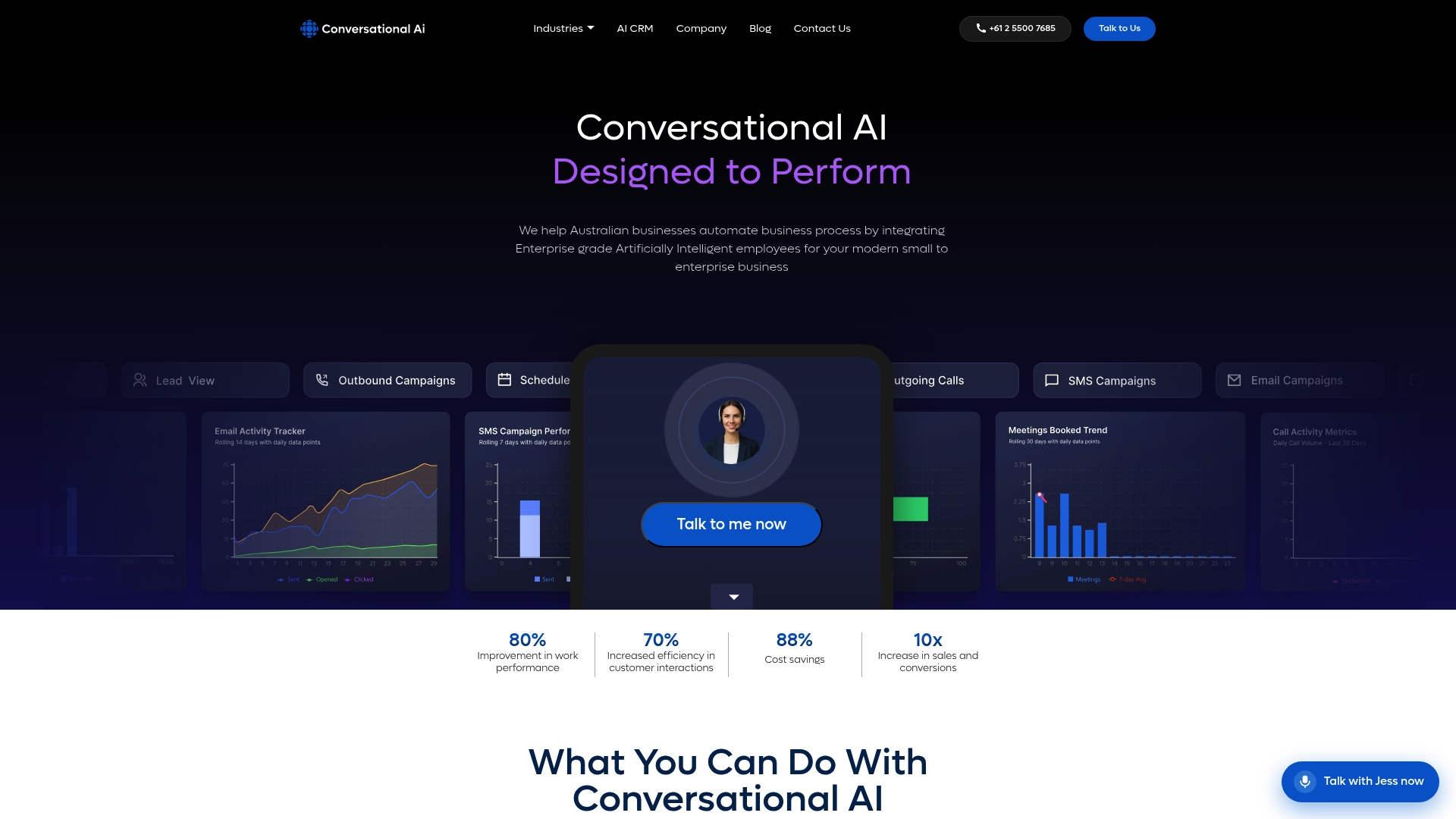
The platform hosts entirely within Australia, giving your team full control over customer data and compliance obligations. Whether you are configuring event triggers for ticket creation, behaviour triggers for re-engagement, or webhook triggers for real-time CRM integration, Conversational AI provides the infrastructure to run them reliably at scale. Explore AI-powered customer service agents built specifically for Australian enterprise needs.
FAQ
What are the five types of customer service automation triggers?
The five core trigger families are event-based, behaviour-based, date-based, tag-based, and webhook-based. Each one starts a workflow in response to a different type of customer or system signal.
What is the difference between event and behaviour triggers?
Event triggers fire on a single action, such as a purchase or form submission. Behaviour triggers fire after a pattern of actions, such as repeated page visits or a period of inactivity.
How do tag-based triggers prevent complex workflow problems?
Tag triggers allow you to chain modular, smaller workflows together rather than building one large automation. This makes each stage easier to test, fix, and maintain independently.
Why should automation triggers always include filters?
Filters and launch conditions prevent triggers from firing repeatedly on the same contact, which avoids infinite loops and unnecessary API calls that degrade system performance.
Where should a business start with customer service automation triggers?
Start by automating the top 20 most frequent customer contact reasons using event triggers on your highest-volume channels. Use real contact data to guide which trigger types you add next.